A modern timing and race management system focusing on simplicity without sacrifying features to make race days stress free.
1/100s
Timing Precision
24/7
Live Profile Syncing
1:28
Scale Class Focus
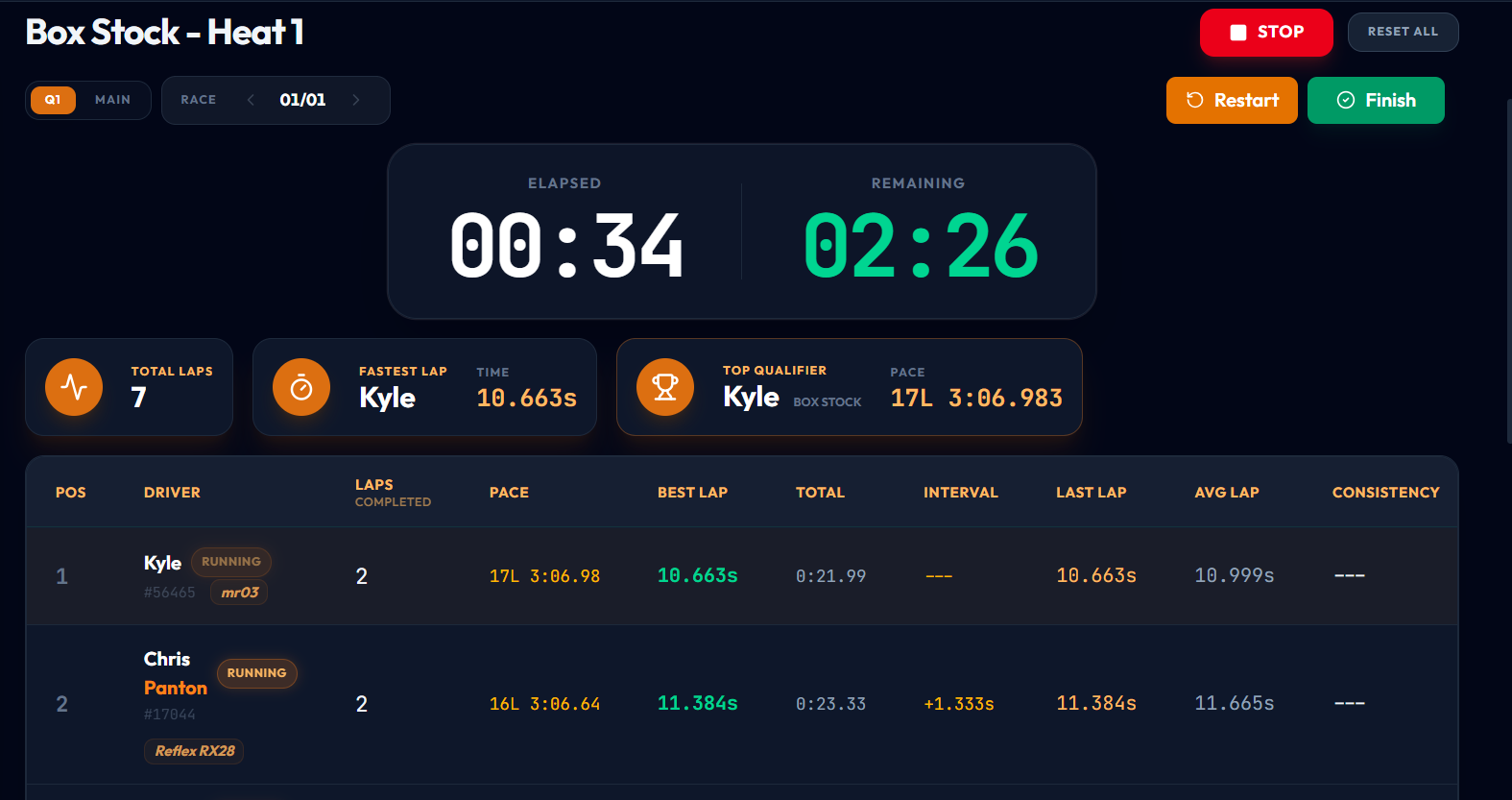
Ditch the tedious steps and manual input. Ultimate Timing simplifies every step of the racing workflow. Select a feature below to view the interface.
Easily deployable. Run from your web browser or install on your computer. Supports EasyLap USB decoder.
- Achieved EasyLap USB decoder to read transponders
- Added additional qualifying formats
- UI adaptations for various screen sizes
- Added 6 languages the app can operate in: English, Spanish, German, French, Japanese and Korean.
- Added Themes: 6 colors and a dark/light mode
- Mobile navigation settings
- Added additional sounds and settings for Announcer
- Various Bug Fixes
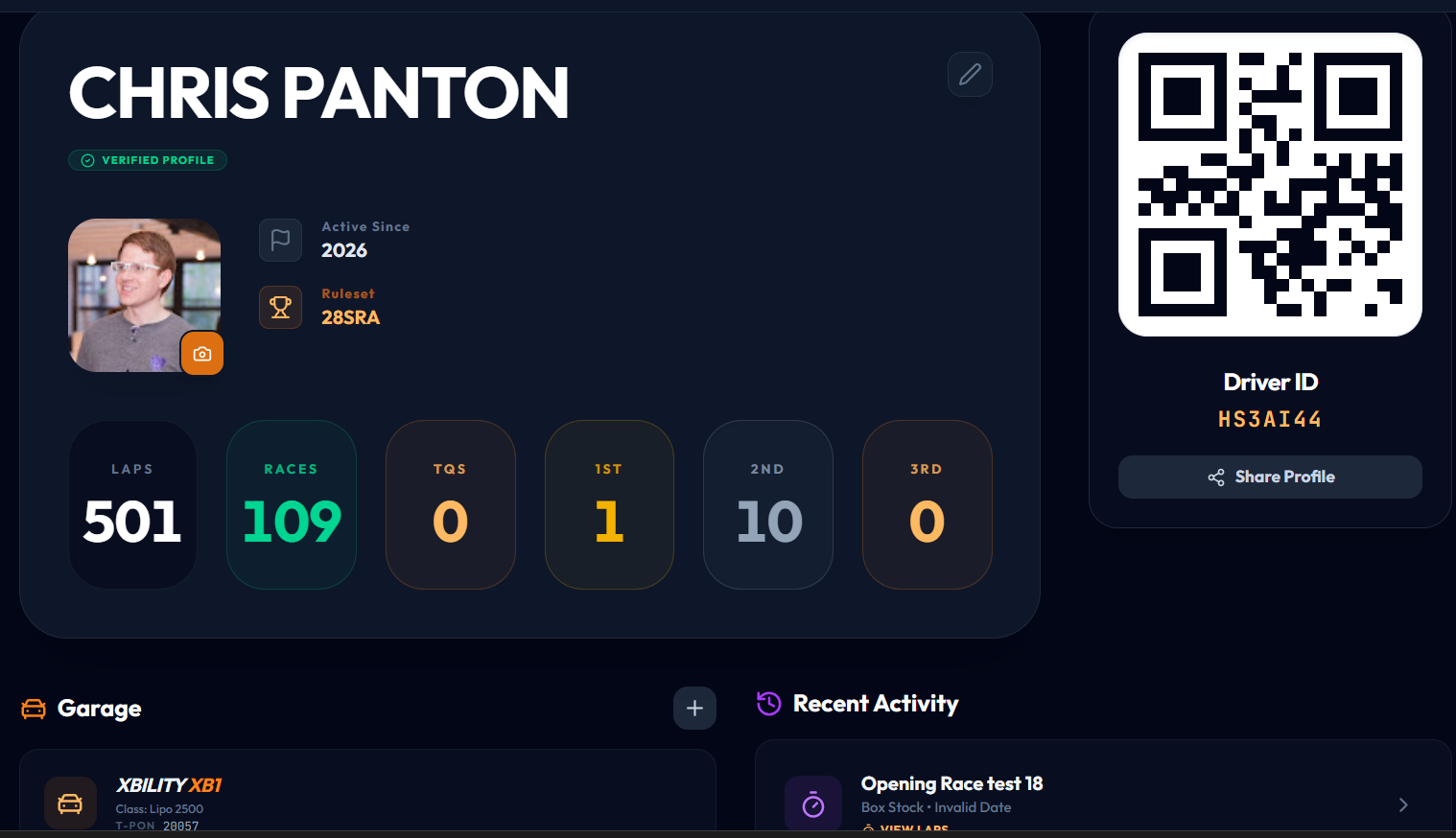
- Added feature for tracks to import driver's profiles with QR code or unique ID.
- Live sync changes from driver's profile to the track's driver database
- Drivers can follow their favorite track's live timing
- Initial stable release. Basic functionality that set the groundwork where the app is today.
- Intuitive Setup Wizard
- Driver Registry & Profiles
- Dynamic Heats Generator
- Session History
- Various tones added for: starting, laps, fast lap and end of race
Flexible Plans
Essential driver features and basic track practice mode.
Standard race hosting and app customizations.
Comprehensive race-scoring server setup with zero restrictions.
Watch high quality video tutorials or send an email with questions, issues or suggestions.
This video showcases the game changing feature for track owners to utilize for their track by being able to import drivers via a QR code or driver PIN. We look at the driver database and the features therein.
This video we go over the main screen for practice and race timing. We dive into the usability features and layout of the timing screen.
We look at managing heats, rounds and driver organization after creating a race event or heat.
Learn the simple steps to creating your first race event.
In this video we go into and talk through all the app settings in Ultimate Timing. Themes, translations, sounds, announcements and more are among the settings available.
In this video we go over how to view race and practice history in the Ultimate Timing app. Here you can view analytics such as: fastest lap, average lap, consistency percentage, view all of your laps plotted on a graph and more.
Have questions regarding club subscriptions, bugs or errors, or you maybe have a feature suggestion? Send us a message!
Please review how we handle your data before continuing.
We collect your Google profile information (name, email, and public profile picture) when you sign in. This data is used solely to identify your racing profile and display your progress in the timing system.
Your race data, including lap times, transponder IDs, and event history, is securely stored in a professional cloud database (Firebase). This information is necessary to provide real-time timing, leaderboards, and historical performance tracking.
We are committed to fair and transparent data use. We do not sell your personal information to third parties or engage in any "dodgy" practices. This application is built by an enthusiast, a member of the race community, for enthusiasts, with security and privacy as a baseline posture.
Ultimate Timing is not responsible for any financial loss, prizes, or gambling outcomes at events. We are not liable for hardware failure, missing laps, or timing inaccuracies. By using this software, you agree to these risks and use it at your own discretion.
Ultimate Timing is a proprietary product developed and owned by its creator. All rights reserved.